OnyeshaMessage Logo
OnyeshaMessage
OnyeshaMessage App Interface Showcase
OnyeshaMessage

Show Proof, Protect Privacy

Share your payment confirmation without exposing sensitive details like your M-PESA balance.

How It Works

Share payment proof without exposing your private information

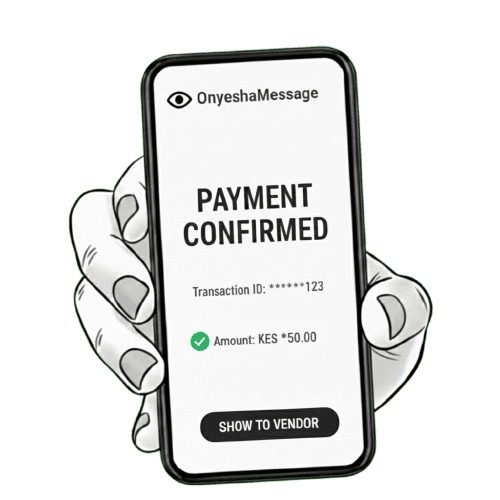
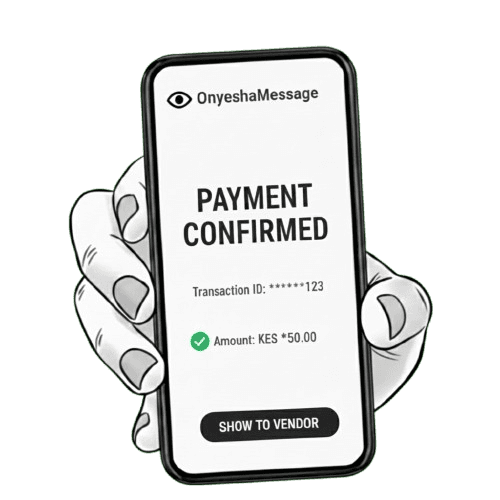
OnyeshaMessage lets you select an M-PESA confirmation SMS already received on your phone and displays it as a clean payment proof, hiding sensitive details such as your account balance before you show it to a vendor.

  1. 01

    Receive your M-PESA confirmation

    Complete your payment normally. Your M-PESA confirmation SMS is received in your phone's default messaging app just like always.

  2. 02

    Open OnyeshaMessage

    When the vendor asks for payment proof, open OnyeshaMessage instead of your messaging app. Your M-PESA confirmations are available for you to select.

  3. 03

    Choose the payment message

    Select the M-PESA confirmation for the payment you want to show. OnyeshaMessage prepares it for secure sharing.

  4. 04

    Show your proof safely

    The app displays a clean payment confirmation screen showing only the important transaction details while hiding sensitive information like your M-PESA balance.